

Ask Astro first
Astro reads an execution faster than you can. Open Astro, type@, and pick the execution from the menu.
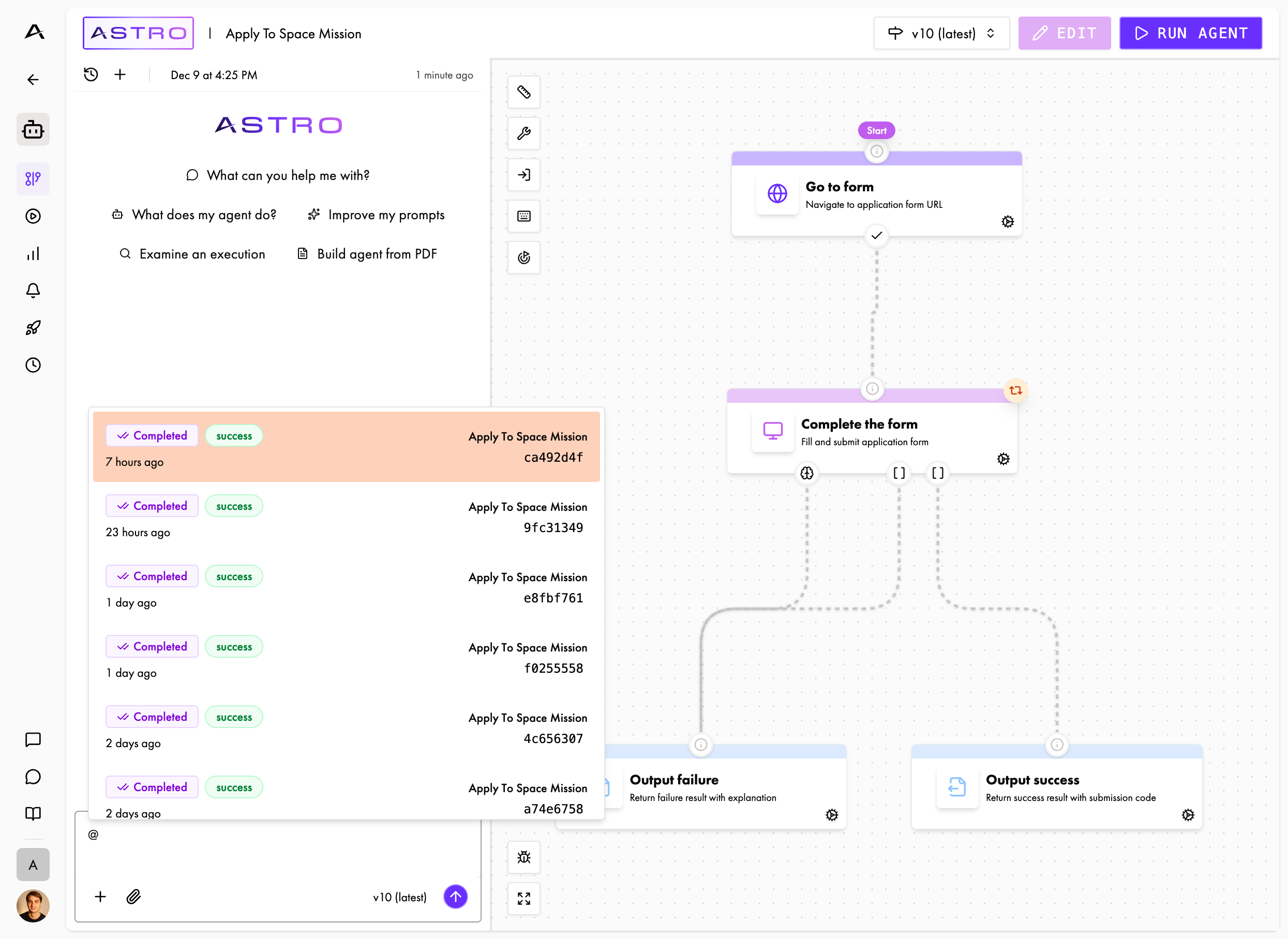
Mention an execution
Astro reads the timeline, the screenshots, and the workflow’s reasoning.
- “Why did this execution stop?”
- “What did the workflow do on the login page?”
- “Change the instructions so this does not happen again.”
Find the problem manually
1
Watch the recording
Open the execution and play the recording. You see the screen the workflow saw.Watch for the moment the execution leaves the path you wanted. Note the time.
2
Find the node
The timeline marks every node the execution entered. Find the node that owns the moment you noted.
3
Read the activity log
Inside that node, read what the workflow did and why.
4
Find the instruction
Put the
reasoning next to that node’s instructions in the builder.The workflow did what it believed the instructions asked. Find where its belief and your intent part company. That gap is the line to rewrite.See Write good instructions for more help on building effective instructions.A
cancelled execution carries a reason that names the limit it hit. See Executions and statuses.Debug from your coding agent via MCP/API
You can use coding agents like Claude Code or Codex to debug executions.- MCP
- SDK
Connect the MCP server, then ask in plain language.Ask for something like:Your coding agent then opens that node and proposes the instruction change.
Next
Write good instructions
The shape that survives a real portal
Improve your workflows
Make a working workflow faster and cheaper
Executions and statuses
Every status, and every cancel reason
Test, iterate, publish
Ship the fix